Fixing Weak Home Wi-Fi Coverage
Most weak Wi-Fi is placement and interference, not a slow connection. Measure the dead spots before buying new hardware.
Weak Wi-Fi is usually reported as slow internet, but the connection to the provider is often fine. What fails is the path from the router to the device. Before buying anything, find where the signal drops and why.
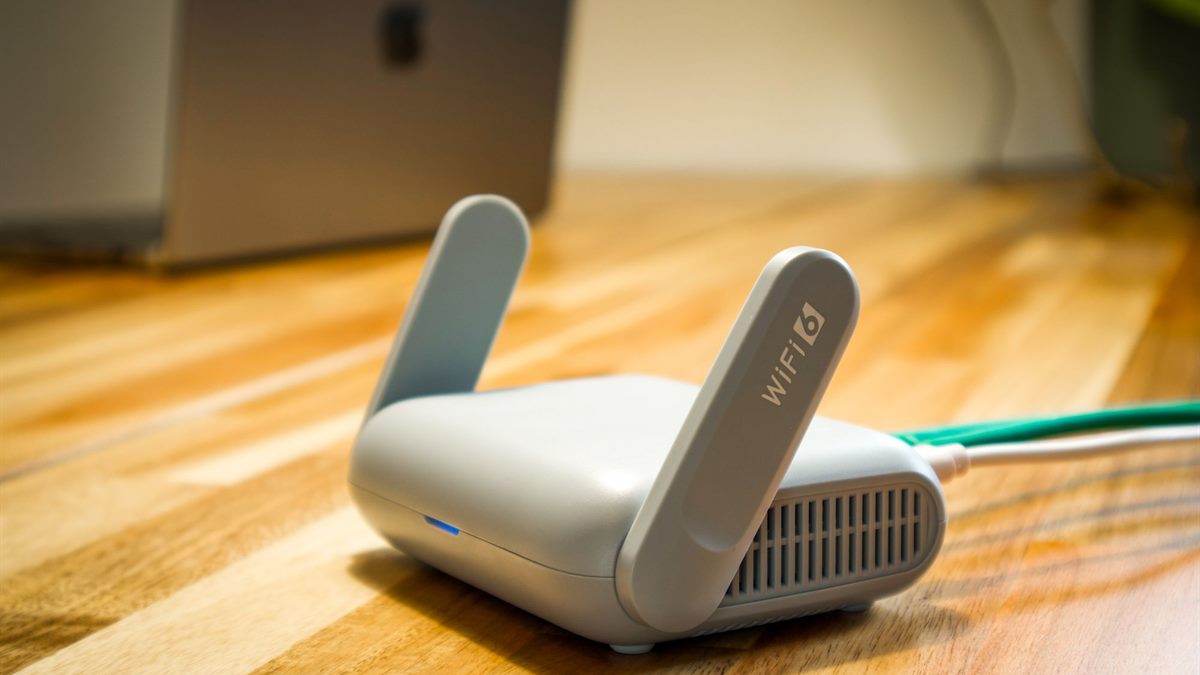
Measure the dead spots
Walk through the home with a phone and note the signal strength and the measured speed in each room. Test at the height where devices actually sit, not on the floor. A room with a strong signal but slow speed has a different problem from a room with no signal.
Test at different times of day. Interference from neighbours is often worse in the evening.
Move the router first
Routers send signal outward and downward more than upward. A router in a cupboard, behind a television, or on the floor loses range before it leaves the room. Put it high, central, and in the open.
Metal, mirrors, thick walls, and water tanks block signal. A router next to a fridge or a fish tank is fighting physics.
Choose the right channel and band
- Use the 5 GHz band for speed at short range.
- Use the 2.4 GHz band for distance and through walls.
- Set 2.4 GHz to channels 1, 6, or 11 to avoid overlap.
- Let 5 GHz auto-select unless it is clearly congested.
- Update the router firmware before changing hardware.
Extender or mesh
An extender repeats an existing signal at reduced speed. It helps one room and hurts performance if placed where the signal is already weak. Place it halfway between the router and the dead spot, where the signal is still usable.
A mesh system uses several units that cooperate and hand devices between them. It costs more and works better in larger homes with several dead spots. For a single room, a cable or an extender is often enough.
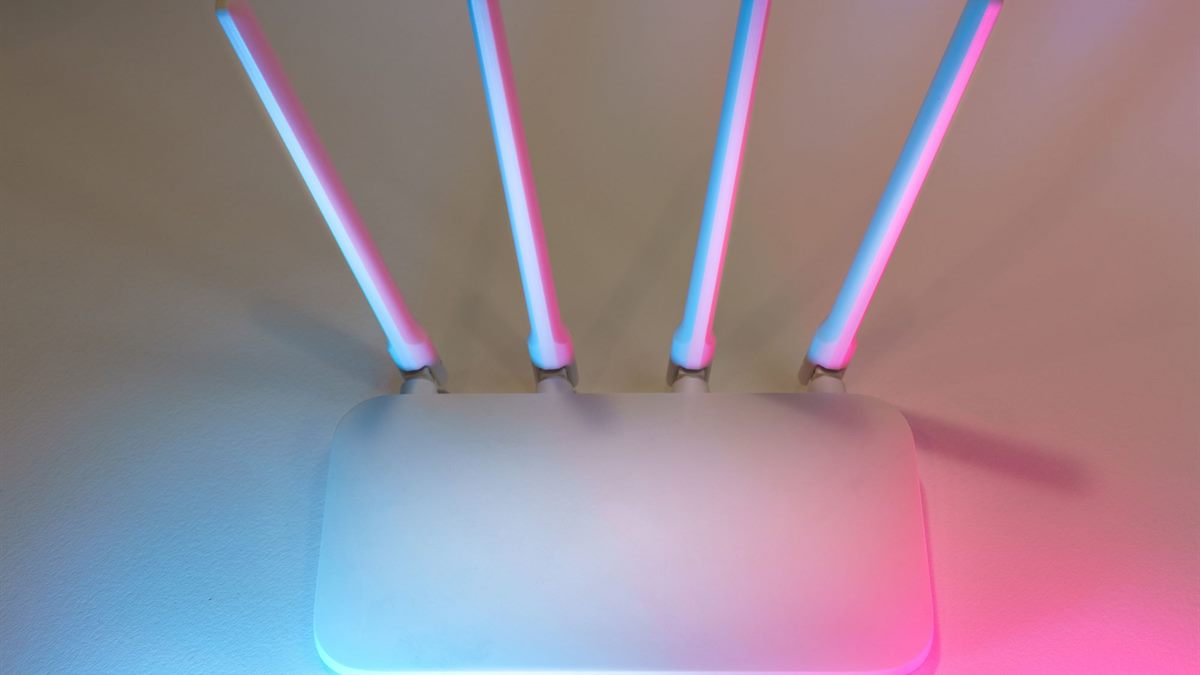
When to use a cable
A single cable to a desktop, a television, or a mesh unit removes the hardest part of the problem. If drilling is not possible, flat cable and cable covers can run along a skirting board. A wired backhaul between mesh units is the most reliable upgrade available.
Check whether the provider's router can be put into modem mode and paired with better equipment. The FCC home network guide explains the basic layout.
If the real frustration is losing photos rather than slow video, the guide to a phone photo backup plan covers the data side.
Finally, test after every change. Move the router, then measure again in the same three rooms. Change the channel, then measure again. One change at a time tells you what worked; several at once leaves you guessing, and guessing is how people end up buying a mesh system they did not need.
Note the results in a simple table: room, signal, speed, time of day. A written record stops the loop of buying hardware to solve a problem that a cable or a channel change would have fixed.
Finally, do not hide the router in a cupboard to make the room look tidy. The tidy version is the slow version. Mount it high on an open shelf, run the cables neatly, and accept the trade-off; the signal is the point.
Frequently Asked Questions
Why is my Wi-Fi slow in one room?
Usually distance, walls, or interference rather than the internet connection. Measure the signal and speed in that room, then move the router or change the channel before buying hardware.
Where should I put my router?
High, central, and in the open. Avoid cupboards, floors, metal, mirrors, and water tanks. Routers send signal outward and downward more than upward.
Is a Wi-Fi extender worth it?
For a single dead spot, yes, if placed halfway between the router and the room where the signal is still usable. It repeats the signal at reduced speed.
Mesh or extender for a large house?
Mesh suits several dead spots and larger homes because units cooperate and hand devices between them. A single room is usually served by an extender or a cable.