Two-Factor Authentication: Which Option to Use
Two-factor authentication stops most account takeovers. An app or a security key is stronger than a text message.
Enable two-factor authentication on email first, since email resets everything else. Prefer an authenticator app or a security key over SMS where available. A vague complaint like slow or broken sends people to the shop; a measured symptom sends them to the setting.
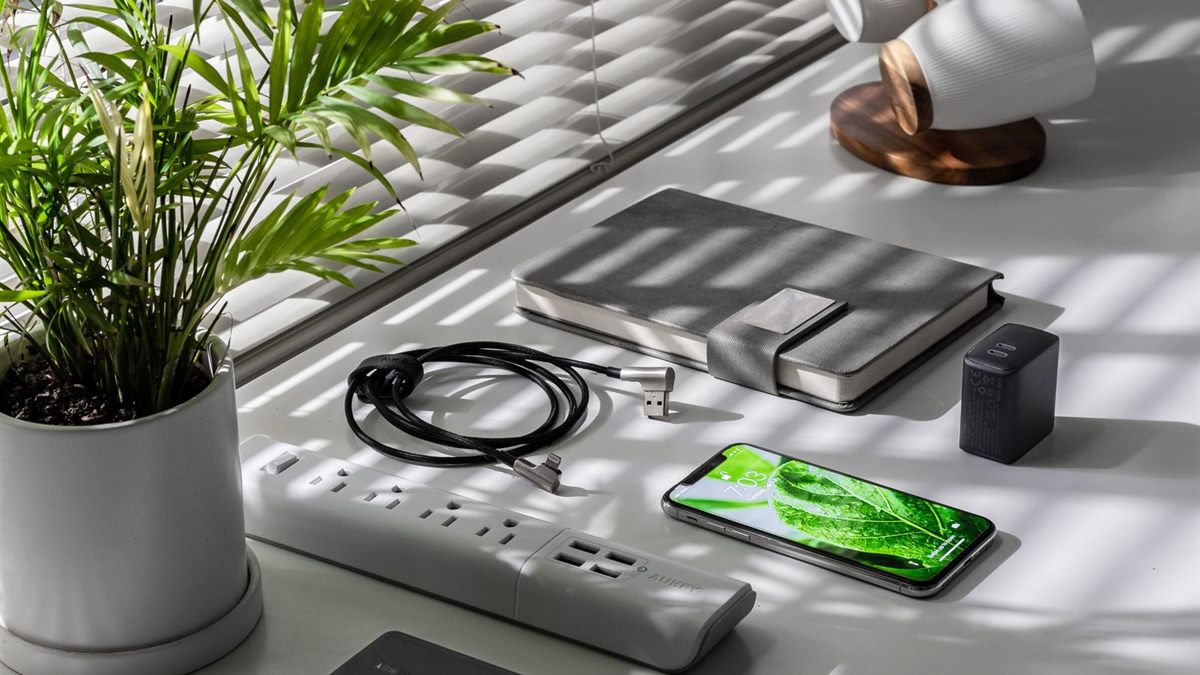
Describe the actual problem
SMS is better than nothing, but it is vulnerable to number porting. Save the backup codes in a secure place, not in the same app. Most home technology problems are configuration problems, and configuration is free to change.
Try the free fix first
Set up two-factor on banking and social accounts next. Use a separate authenticator app or a hardware key for the most important accounts. Changing several settings at once hides the cause and makes the next problem harder to solve.
Before changing a setting, describe what you expected and what actually happened. Most home technology problems are configuration issues, and a specific symptom points to a specific setting. Change one thing at a time, test it, and note the result, because several changes at once hide the cause. Keep the manual and the model number in one place so the next problem is faster to solve. A note of the model number, the current settings, and the date of the last change turns a frustrating afternoon into a five-minute fix. If a device has no manual, save the support page offline. The goal is not to memorise the system but to leave a trail that makes the next visit easier.
Do not approve login prompts you did not initiate, which is a common attack. Keep a short note of what you changed and when, because the same fault usually returns.
Check these first
- Start with email
- Use an app or security key
- Save backup codes offline
- Reject unexpected prompts
Change one thing at a time
Review the active sessions and sign out of devices you do not recognise. Keep the recovery email and phone number up to date. Buy hardware only when the free options have been tested and written down.
Add two-factor to the password manager account itself. If a service offers passkeys, consider using them instead of passwords.
Write down what worked
Test the recovery process before you need it. Avoid storing backup codes in a plain text note on the phone. A five-minute monthly check prevents most of the failures people describe as sudden.
If the first fix does not work, undo it before trying the next one. Stacked changes make a simple fault look complicated and cost more time than starting again. Write down what you changed, when, and what happened, so a returning fault is quicker to identify. Replace hardware only after the free options have been tested and recorded, not because the device feels old.
Remove two-factor from old accounts you no longer use. Check the account security settings every few months. Two-factor is not perfect, but it blocks the majority of simple attacks. If you want the wider picture, read Secure Your Home Network in Ten Minutes before you decide.
For the underlying guidance, see the FCC home network guidance.
Frequently Asked Questions
What is two-factor authentication?
A second check beyond the password, such as a code from an app or a security key.
Is SMS two-factor safe?
It is better than nothing but weaker than an app or a security key because of number-porting attacks.
What if I lose my phone?
Use the backup codes you saved, or the recovery process of the service.
Do I need two-factor on every account?
At minimum on email, banking, and social media. More accounts is better.